
How To Opt-In To Receiving Text Message From NAROStep 1: Sign Into Your ProfileOnce Signed Into Your Profile You Should See A Similar Screen As The Example Below. 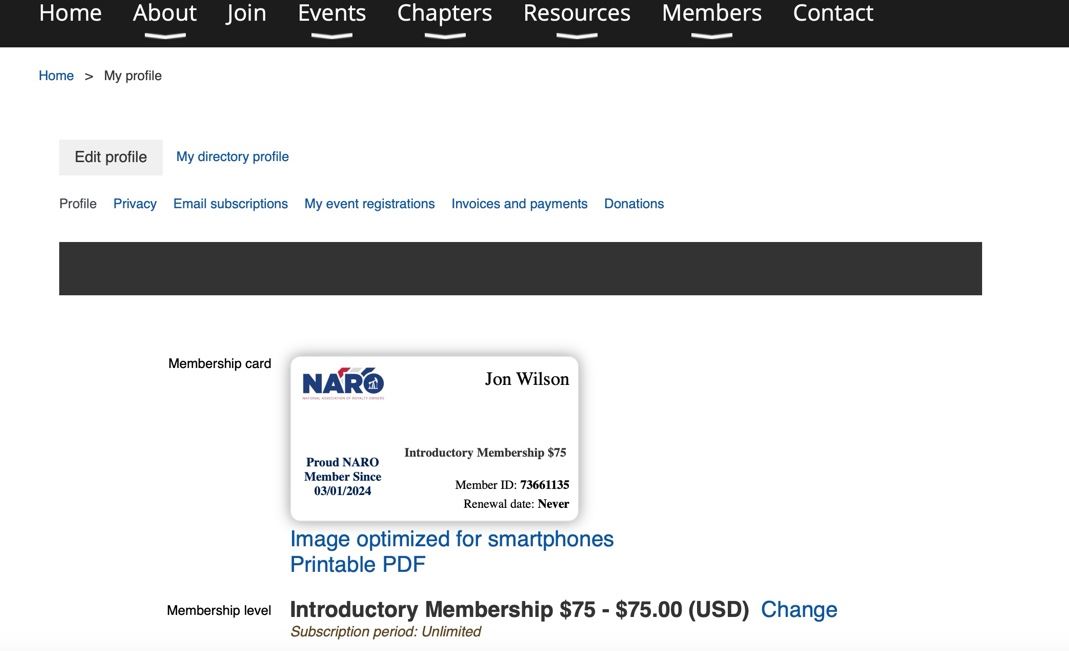 Step 2: Click The Edit Profile Button Step 3: Enter You Mobile Phone NumberScroll Down Until You See The Mobile Phone Number Field and Enter Your Mobile Phone Number  Step 4: Opt-In To Text MessagesScroll Down Until You See Text/SMS Consent Field. Then Click Box As Seen Below To Select To Opt-in To Receiving Text Messages.  Step 5: Save Your SelectionsScroll Back To The Top Of The Page And Select Save. 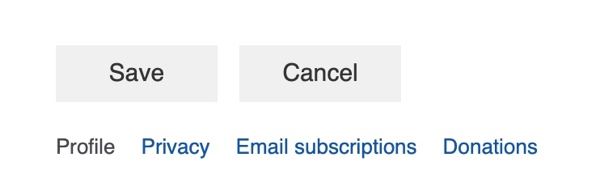 Step 6: Success!You are now enrolled and may opt-out at any time. |